How to install and download Office
This time I'm bringing you free Office and a guide on how to install it.
Free Office
First step
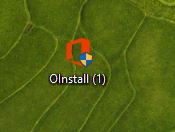
The first step is to download the following file after completely disabling Windows antivirus or any other antivirus you may have, as this file is identified as a virus, but it is not.
Link
Second step
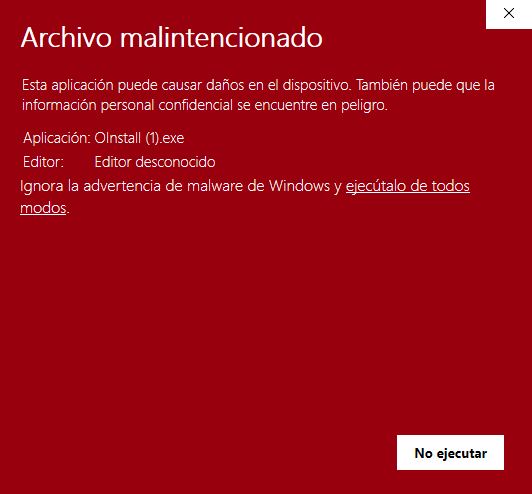
Then we skip this screen and run it anyway
Three step
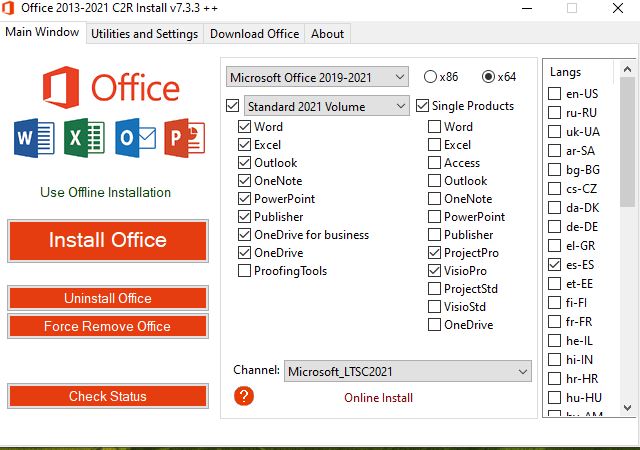
Once open, select everything as follows and press install office, wait and this will open the office installer
Four step
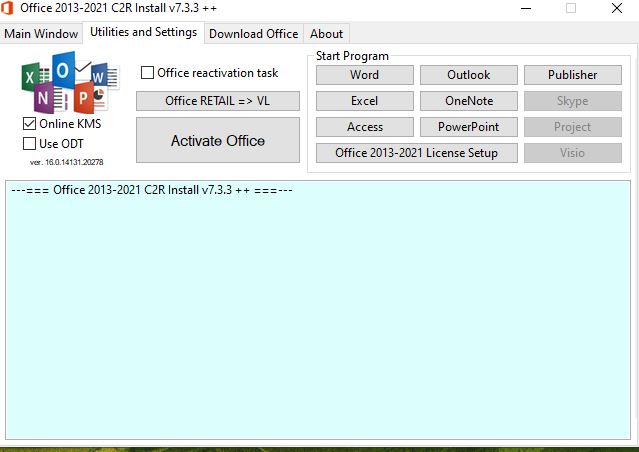
Once downloaded, open Excel and without closing the program, go to Utilities and click Activate Office. After this, you can uninstall the program and Office will be activated. If it's not activated, you can repeat the Office activation process.
.webp)